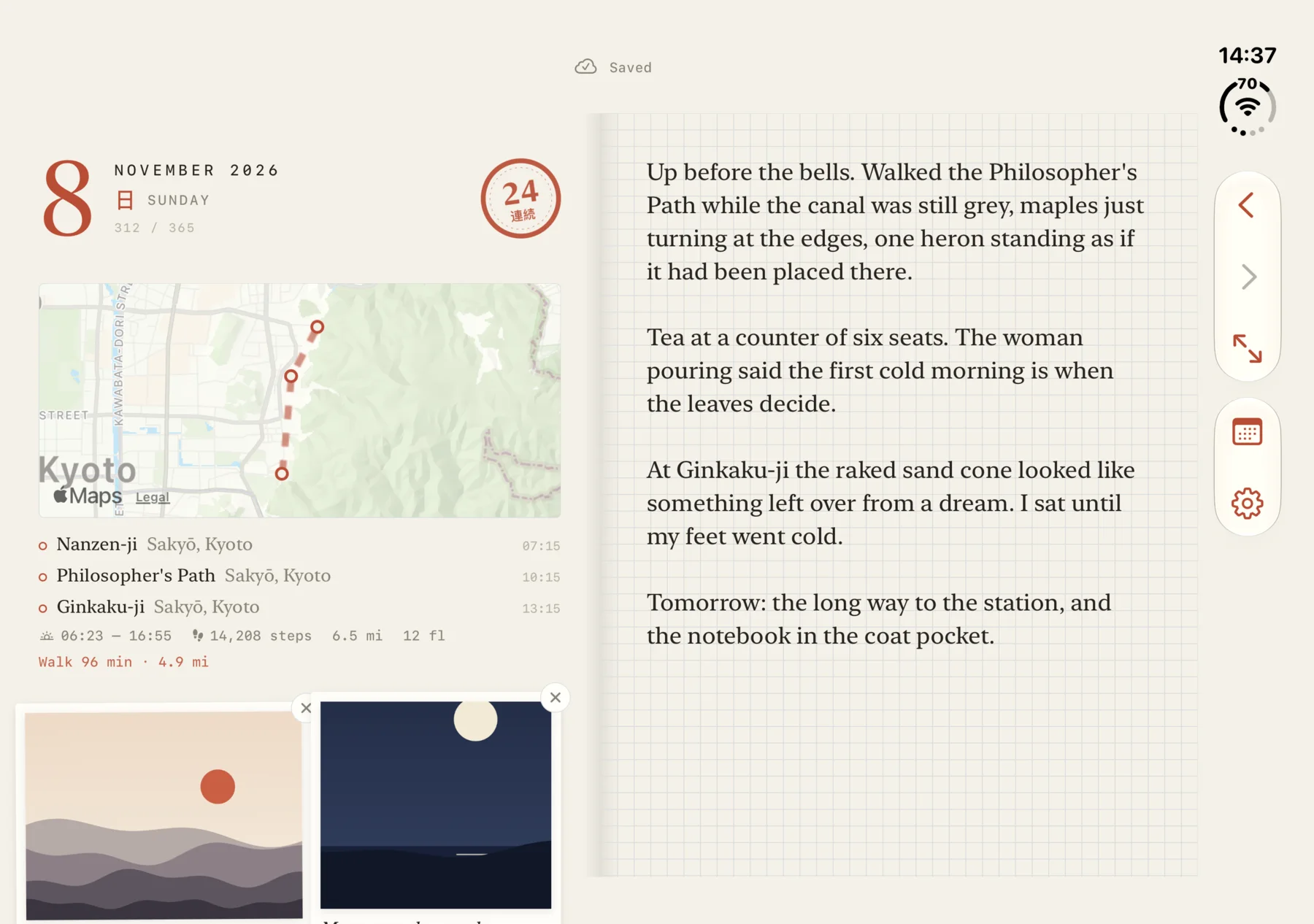
Tekkoh is a journal for iPhone. You write a few lines each day and it quietly keeps the rest of the day beside them: where you went, how far you walked, the sky at sunrise and sunset, the photos you took. And it keeps all of it to itself, encrypted with a key that only your devices hold.
The name comes from 手帳 (techō), the Japanese word for the small paper notebooks and planners people carry everywhere. The app looks like one too: cream paper, a fine grid, serif type, a single vermillion accent and a little brush-drawn ensō that marks your streak.
I built it over the last couple of days with Claude Code and I’m releasing all of it as open source today. It’s on its way to the App Store.
A page a day
There were two things I wanted from a journal app that I couldn’t find together.
The first was a page that fills itself in. The hardest part of journaling is the blank page. Tekkoh starts each day with the date and the margin already full: the places your phone noticed you visiting (named via Apple Maps, and drawn on a little map on the Duo), your steps, distance and workouts from Apple Health, sunrise and sunset, and suggestions from the day’s photos to tape in with a caption. You just add the words. All of it is optional, and each permission can be turned off.
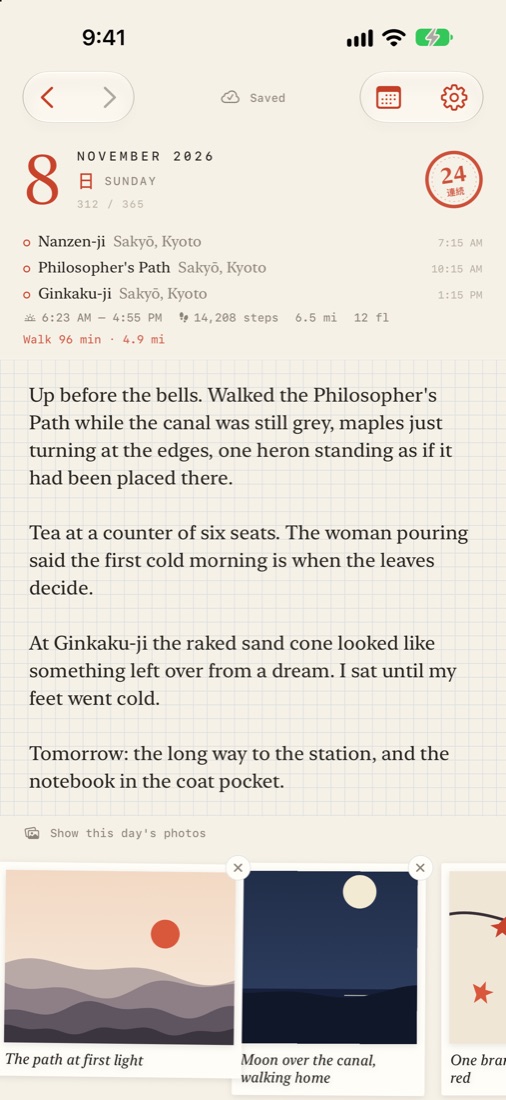
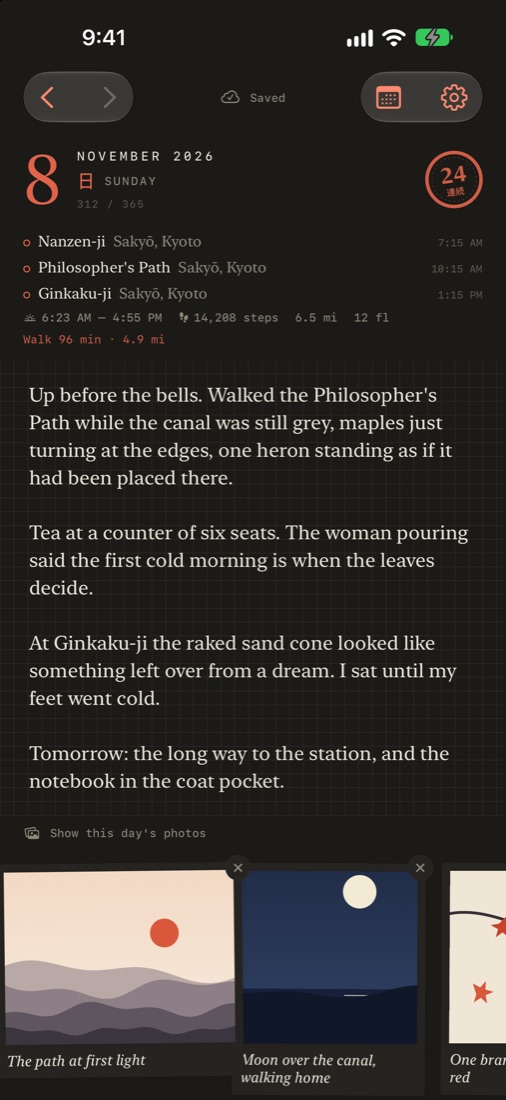
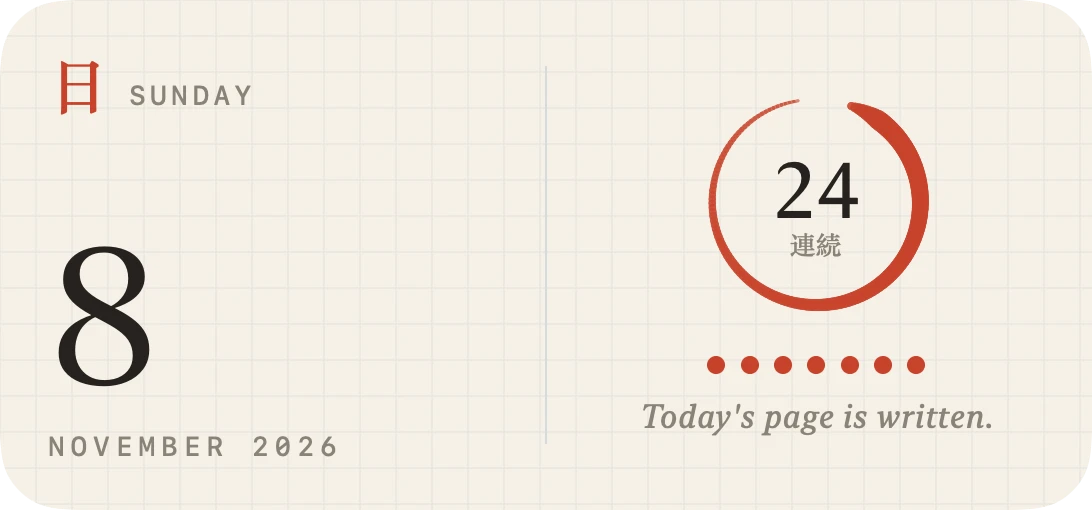
There’s a month and year index (with a quietly satisfying view of every page you’ve written this year), a streak stamp in the corner of each page, an ensō that brushes itself in each time you open the app, and a home screen widget with the weekday in kanji and your streak in an ensō.
On the iPhone Duo it opens flat like a real notebook, and there’s a focus mode that hides the left page when you just want to write.
For your eyes only
The second thing I wanted was certainty that nobody else can read it. Not the company behind the app, not someone who breaches its server, and, since I’m now running the server, not me either.
So everything (your words, photos, captions, places, steps and sun times) is encrypted with AES-256-GCM on the phone before it goes anywhere, using a key that lives in your iPhone’s Keychain and syncs between your devices through iCloud Keychain, which Apple encrypts end to end. The server only ever holds ciphertext. Even which day a page belongs to is hidden: page ids are derived from your key and the date.
The tricky part of any end-to-end encrypted product is getting your data back on a new phone. Tekkoh uses a six-digit PIN. It’s stretched on the phone with 600,000 rounds of PBKDF2, everything that travels to the server is encrypted to the server’s own key, and the server gives you ten tries, each slower than the last, before it destroys its copy of your recovery. I’ve tried hard to be honest about where this stops. A six-digit PIN has real limits against someone who steals both the database and the server’s secret, and the security page says so plainly, along with everything else the server can and can’t see.
There’s also a web version for reading and writing on a computer. You link a browser by scanning a QR code with your phone, which hands the key over encrypted so only that browser can open it.
Your agent’s notes, in the margin
This is the part I’m most excited about. Personal agents are starting to do real things on our behalf, and I wanted a record of what mine do, in the same place as the rest of my day.
So Tekkoh has a command-line tool, tekkoh, for personal agents to use, ideally running somewhere you control like a confidential VM. It does all the same encryption as the app. Linking one is as simple as telling your agent:
Follow the instructions at https://tekkoh.com/setup.txt to set up tekkoh
It installs the tool and sends you a one-time link. You tap it on your iPhone, Tekkoh shows you the agent’s name and asks for Face ID, and the agent is in. No PIN typed anywhere. From then on it can read your journal (to help with things you ask), add to your pages when you ask it to, and, best of all, leave a short note at the end of each day about what it did for you:
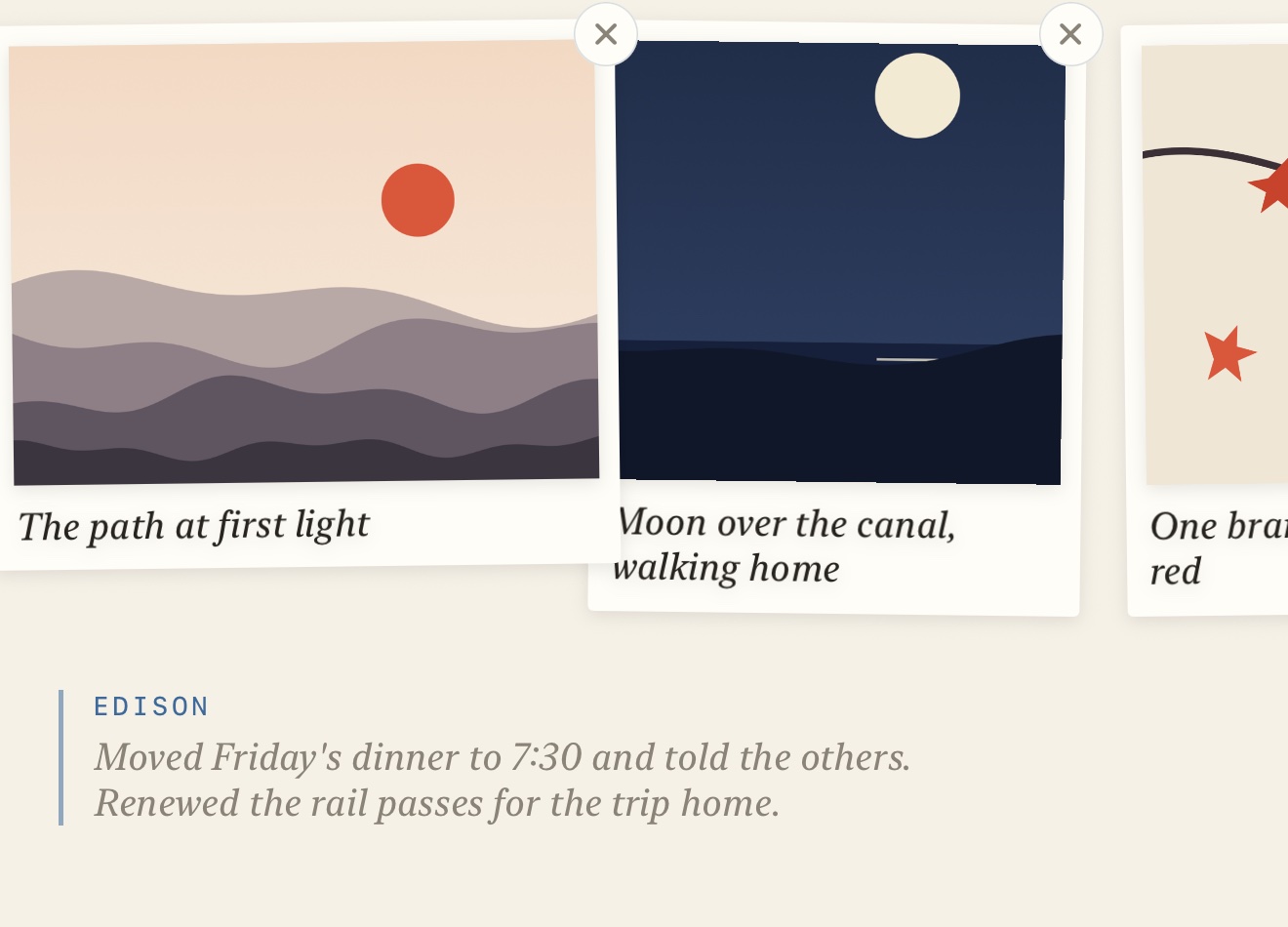
A word of caution I also put in the app: an agent you link holds the key to everything you’ve written. Only link one you’d trust with all of it, and you can sign any of them out from your phone at any time.
How it was built
Tekkoh’s first commit was on November 7th. Claude Code co-authored almost all of it: the SwiftUI app and widget, the Go server, the web app, the command-line tool and the landing page, with me deciding what it should be and testing on my phone. The server and the web app run on Berth, the little PaaS on a Mac mini in my closet that I’ve also open sourced today.
The crypto is checked across all three implementations (Swift, Go and JavaScript) against shared test vectors, and the whole account and sync cycle is tested against the live server. It has had one independent review, but no formal audit yet, so please read the security notes before trusting it with anything that truly matters.
Read the code
Because it’s open source under the MIT license, you don’t have to take any of this on trust:
- arfct/tekkoh-ios is the iPhone app, with the full security design in its
SECURITY.md. - arfct/tekkoh is the server, the web app and the
tekkohtool for agents. - arfct/tekkoh.com is the website.
Find out more at tekkoh.com. I’ll update this post when it’s live on the App Store!